
iTransfer by DHATEK
Your ultrasound's USB port, now wireless.
A single device that the ultrasound machine sees as an ordinary USB drive — every study it saves is transmitted wirelessly to any Mac, Windows or Linux computer in the clinic. No cables. No cloud. No drivers.
How it works
Plug it in once. Use it like a normal USB drive on your device.
No change to how the sonographer works. They save to "USB" exactly like before — iTransfer does the rest, and you can watch every study move through its lifecycle.
Plug into the ultrasound
Connect iTransfer to the machine's USB port. It announces itself as a standard mass‑storage drive — no drivers, no setup on the medical device.
Save the study as usual
The sonographer exports images or clips to "USB" the way they always have. iTransfer detects the new file as it lands.
Transmits wirelessly
The file is streamed wirelessly to the desktop app, which finds the device automatically — no IP addresses, no shared folders to configure.
Lands on the workstation
The study appears in the chosen folder after a fast local wireless transfer — ready to read, report, or push into your record system. Premium delivers to multiple workstations simultaneously.
Real setup
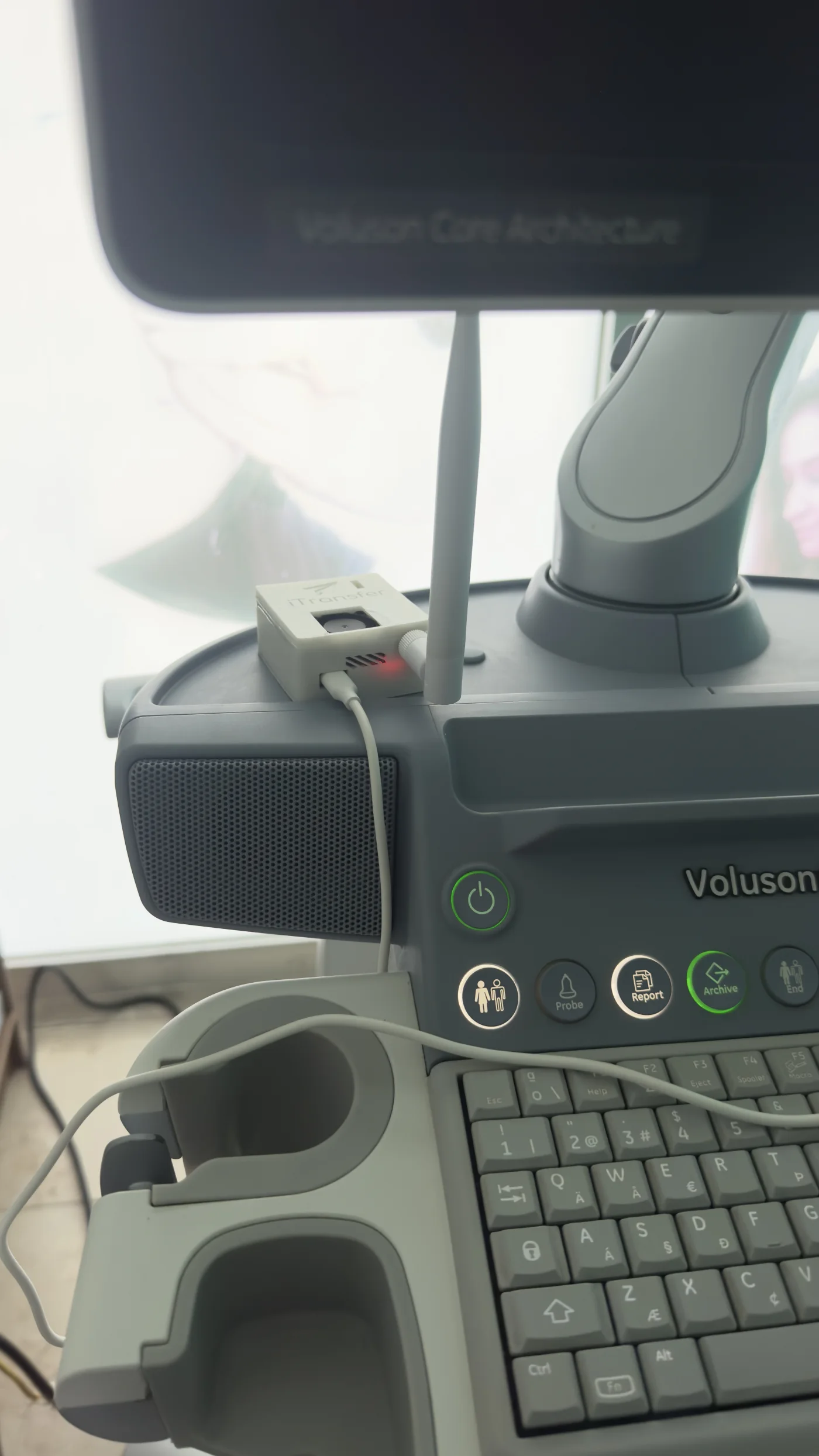
Installed on real ultrasound equipment.
iTransfer sits beside the ultrasound and is used like a normal USB drive, while the desktop app receives studies over the local wireless network.
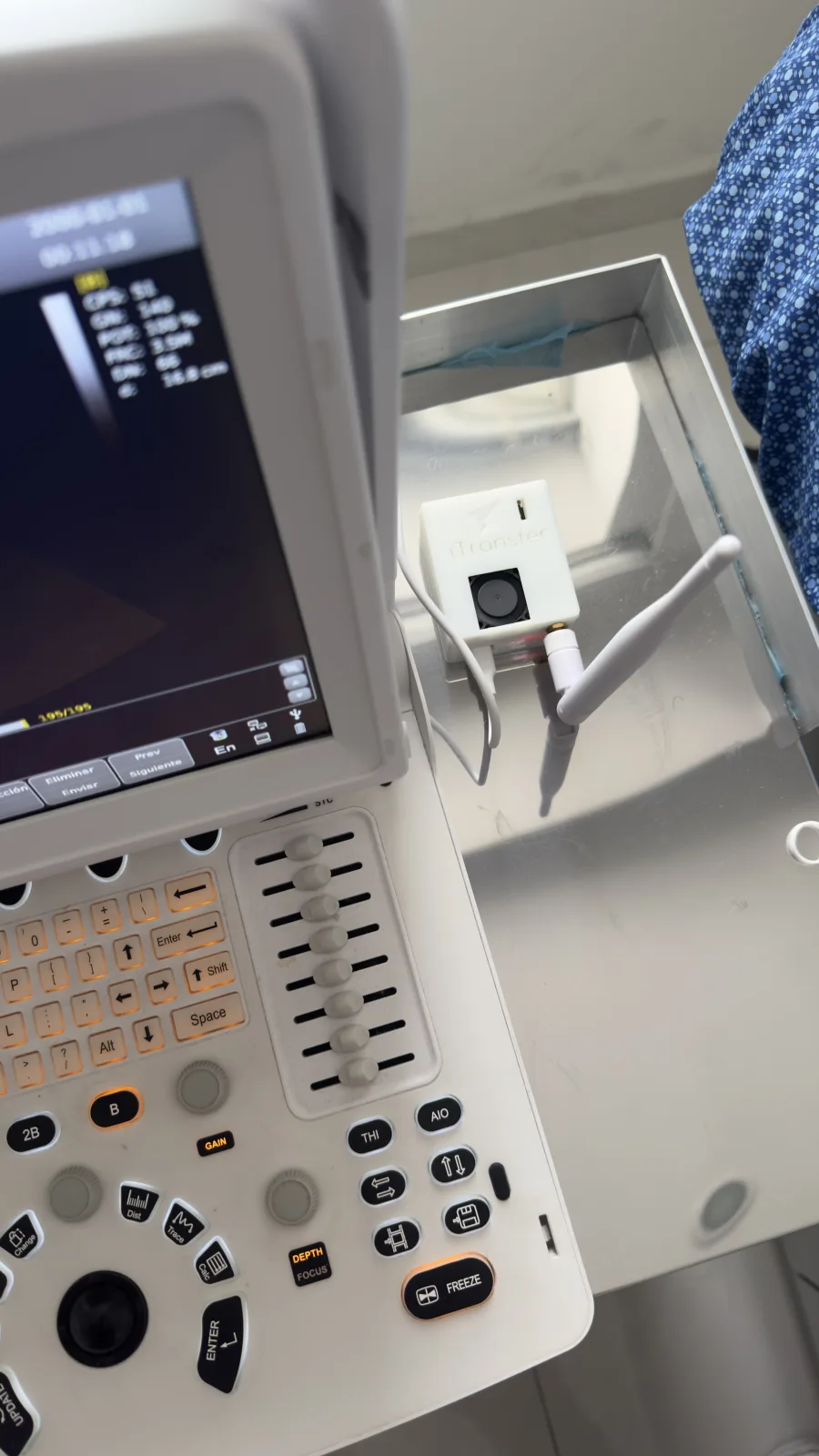
Connected on the ultrasound cart
The ultrasound keeps its normal USB workflow.
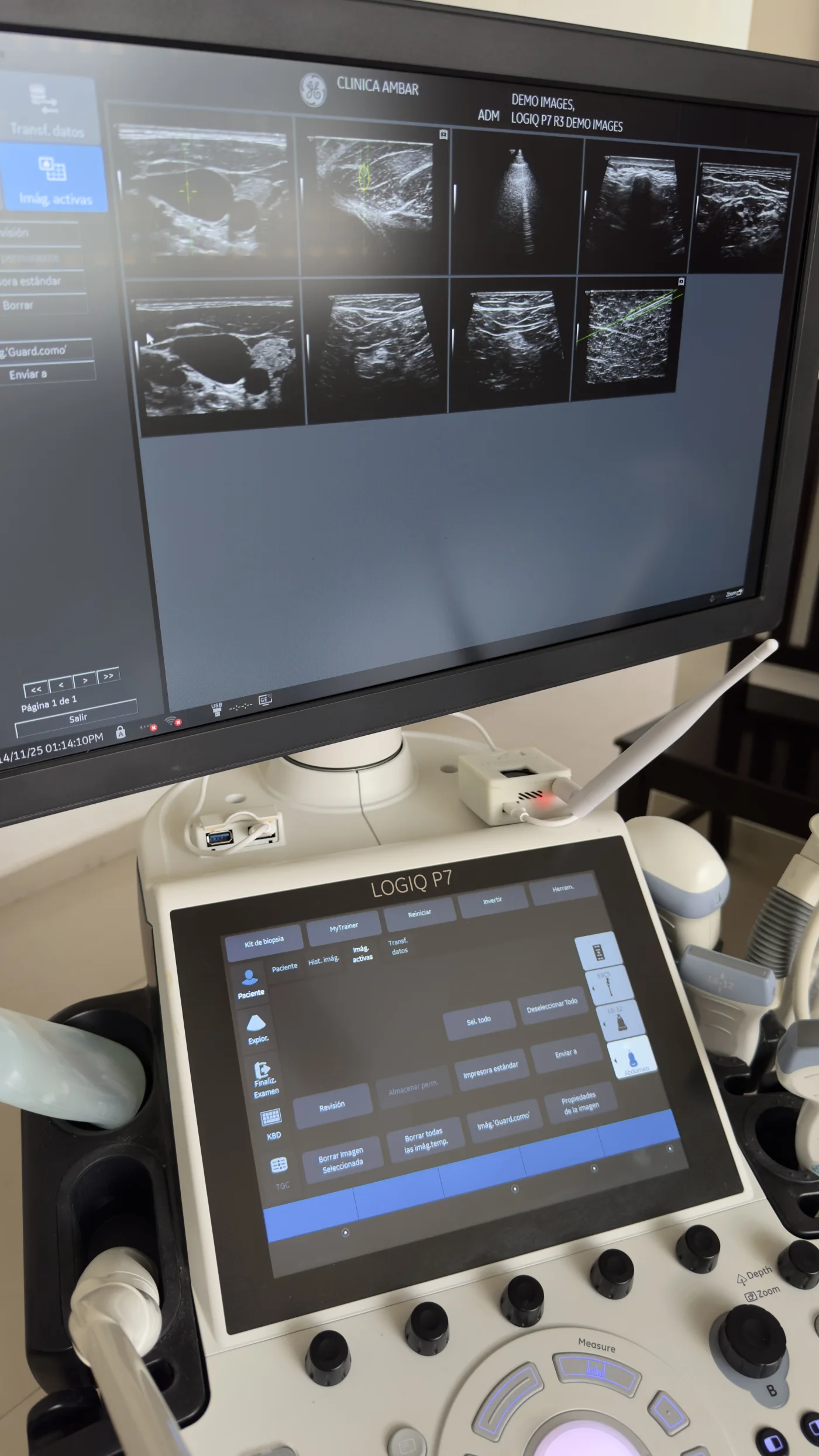
Works across ultrasound models
No configuration changes on the ultrasound.
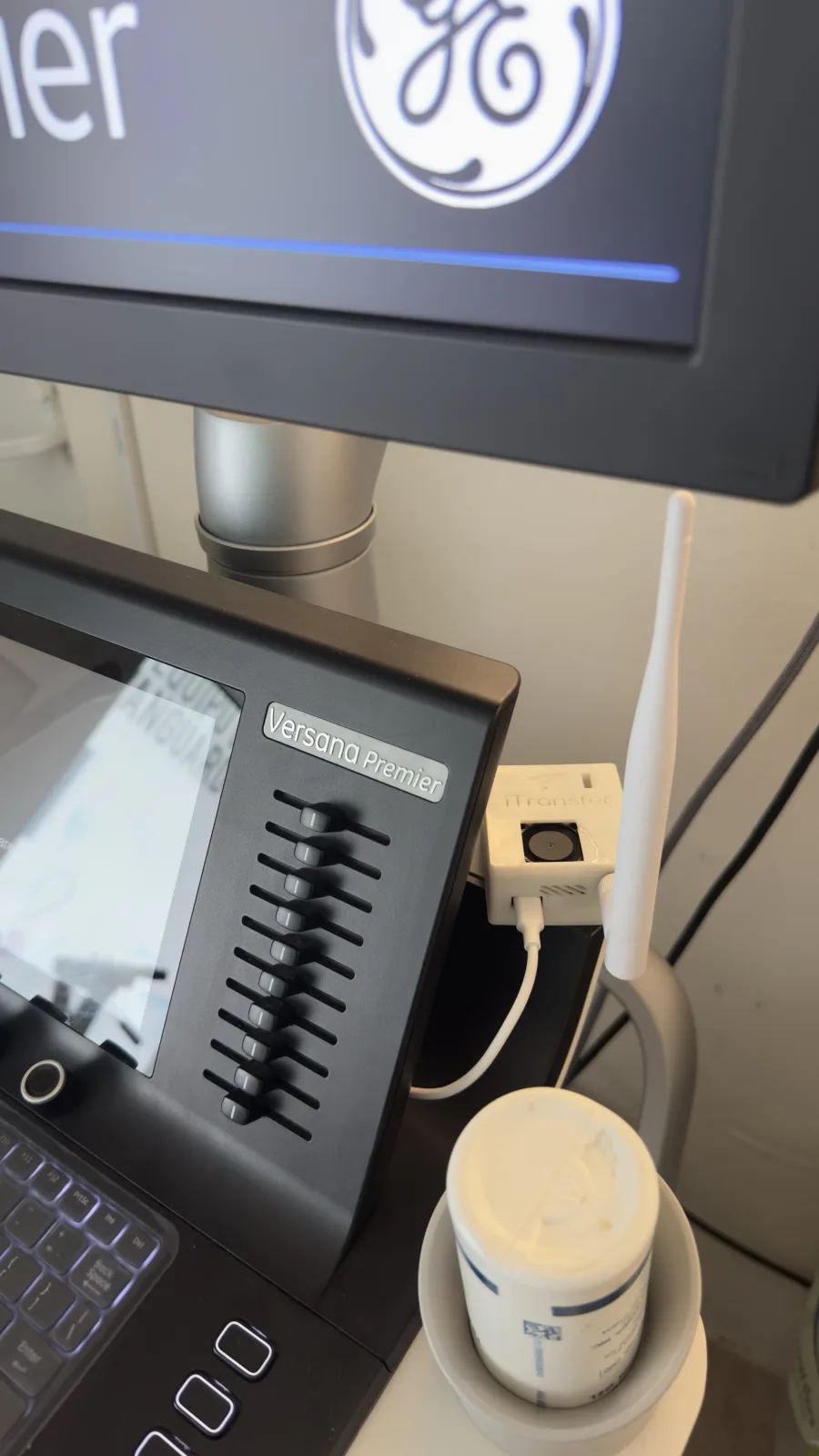
Compact and always on
Small enough to stay on the cart.
The core innovation
A USB drive that isn't tethered to anything.
Most medical devices only know how to write to a USB stick. iTransfer speaks that exact language — it emulates a real mass‑storage drive — but the moment a file is written, it streams it over the air instead of trapping it on a stick someone has to carry.
No firmware to change
The ultrasound thinks it's writing to a plain USB drive. Nothing on the medical device is modified or certified away.
Self‑hosted, on‑premise
Files move directly over your local network — or the device's own hotspot. Nothing is uploaded to a third‑party cloud.
Found automatically
The desktop app discovers the device on the network by itself — no IP setup, no pairing, no manuals for the front desk.
→ 1 workstation
Capabilities
Everything a busy imaging room needs — and nothing it has to babysit.
Cross‑platform desktop
A lightweight tray app for macOS (Intel & Apple Silicon), Windows and Linux. Upgrade to Premium to deliver the same study to every workstation at once.
Mac · Win · LinuxZero‑config discovery
The app locates the device on the network automatically. Staff never type an address or open a folder share — it's simply there.
Auto‑detectFast wireless transfer
A local wireless connection transfers each study as soon as it is ready, with larger files taking longer depending on size and network quality.
Local linkStays on‑premise
Patient images move only inside your network. No external accounts, no cloud storage, no data leaving the building by default.
No cloudBuilt‑in Wi‑Fi setup
If there's no network, the device makes its own hotspot and opens a simple browser page to join the clinic Wi‑Fi — no IT ticket required.
Hotspot fallbackSelf‑updating
New versions install themselves with progress shown right in the app — the device keeps improving without a service visit.
Hands‑offAt a glance
One small box. The whole transfer problem, solved.
Compact, fanless and silent enough to sit on the ultrasound cart — engineered to run unattended in the exam room.
The sonographer never learns anything new. They save to USB like always — and the study is already on the reporting station before they've taken the probe off the patient.
Bring it to your exam room
See your next study land on the workstation — wirelessly.
Leave your contact details and consultorio information. We'll send you product details and show iTransfer running against a real ultrasound workflow.